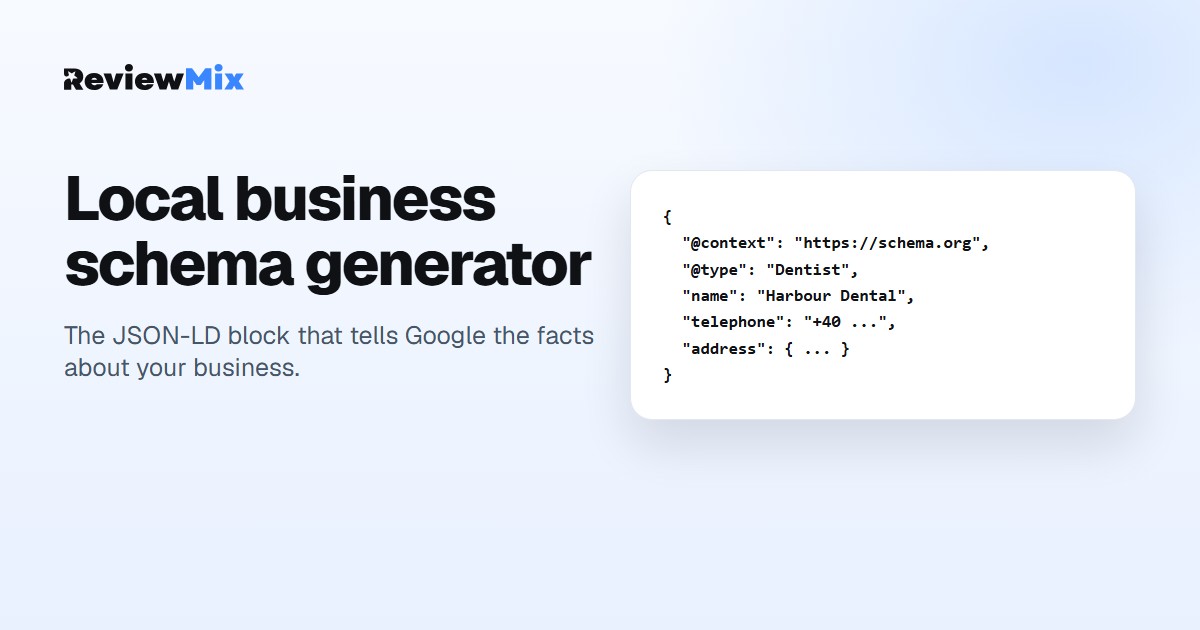
Local business schema generator
Fill in what you already know about your business. You get the JSON-LD block to paste into your site.
Fill in what you already know about your business. You get the JSON-LD block to paste into your site.
The closest match. Google accepts a general LocalBusiness if nothing fits.
Two letters, for example RO, DE or NL.
Enter a business name to see your code.
Paste the whole block, script tags included, into the HTML head of your home page. One block per business. In WordPress most themes have a header or custom-code area for exactly this; in Webflow and Framer it is the site-wide custom code panel.
This markup tells Google the facts about your business: the name, where you are, how to reach you, when you open. It does not put star ratings in the search results. Google stopped showing review stars for markup a business writes about itself in 2019, and any tool that promises otherwise is selling you something. What still moves is whether Google has your details right, and whether real reviews keep arriving on your profile.
Markup describes your business. Reviews are what people read. ReviewMix imports your Google reviews, gives you the link and QR code to ask for more, and shows them on your site in one widget. The free plan covers one business.