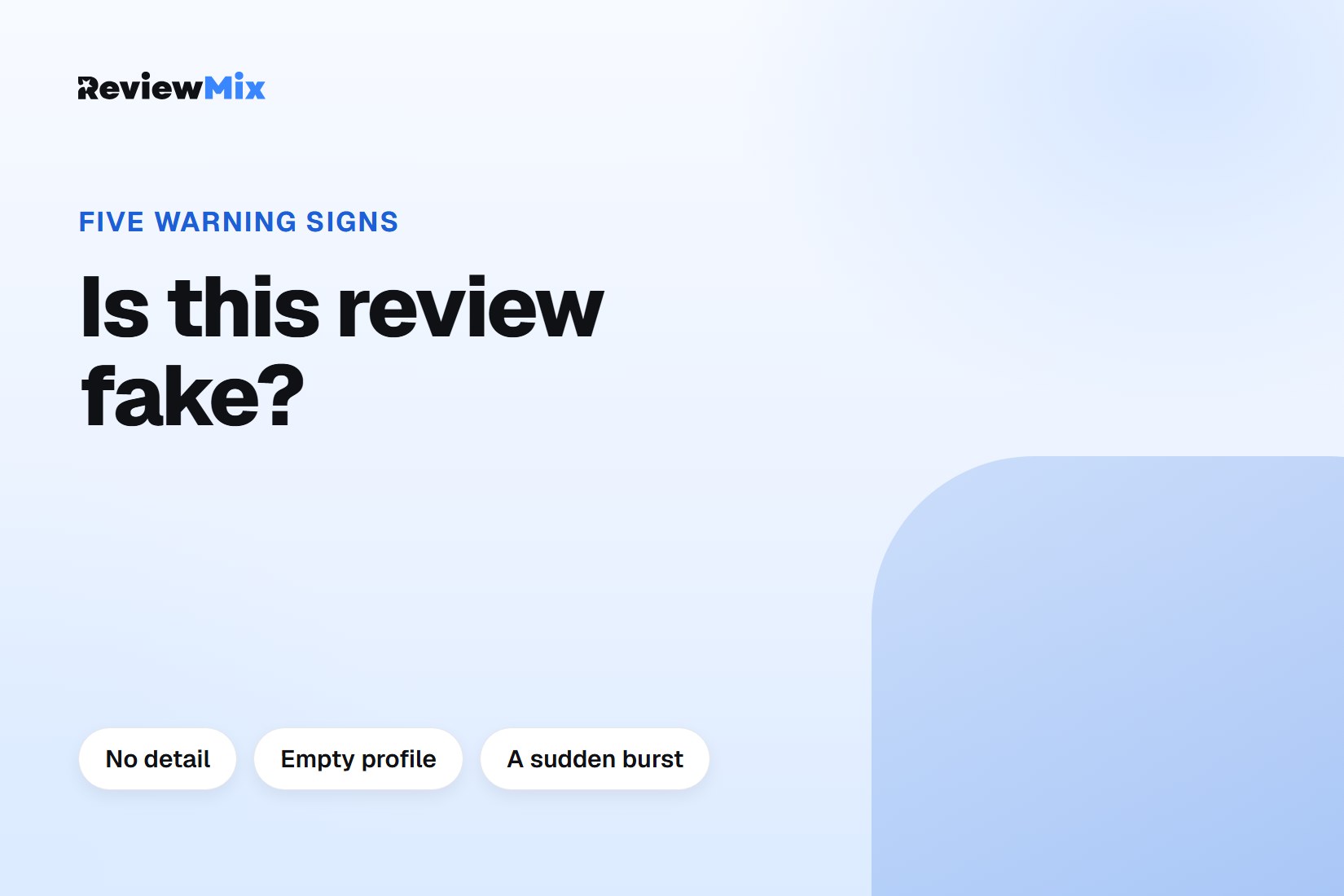
To spot a fake Google review, look for a review that describes no specific visit, comes from a profile with no other history, or arrives in a burst of similar reviews. None of these signs proves a review is fake on its own. Together, and checked against your own records, they tell you whether a review is worth reporting.
ReviewMix puts every Google review for every location in one inbox, which is often where a burst of odd reviews first becomes visible. Whether a review is genuine is still your judgement and Google's decision.
How can I tell if a Google review is fake?
You can tell a Google review may be fake when it fails the questions a real customer would pass: did this person visit, buy or book, and does the review say anything only a customer would know? Google's policy for user-contributed content on Maps prohibits reviews that are not based on a real experience, and that is the standard a report is judged against.
A one-star review you disagree with is not fake. A harsh review from a real customer stays up, and the right response is a reply.
How to spot a fake Google review: the warning signs
The warning signs of a fake Google review are these, each checked on its own:
- No detail. "Terrible service, avoid" with nothing about what was bought, when, or who served them.
- Details that do not match. A dish you do not serve, a service you do not offer, a branch that does not exist.
- An empty or odd profile. A reviewer with no profile photo, no other reviews, or dozens of reviews posted on the same day across unrelated cities.
- A burst. Several reviews in a short window, often similar in wording or rating, with no change in your business to explain it.
- A competitor's fingerprints. A review that recommends a named alternative, or arrives right after a dispute you can identify.
What to do before you report it
Before you report a review, check your own records. Search bookings, invoices and messages for the reviewer's name and the date the review implies. If nothing matches, write down what you checked; that is your evidence.
Do not accuse the reviewer in public. If you are wrong, an accusation under a genuine review costs more than the review. Can you delete a bad Google review? explains how the report itself works and when Google removes a review.
How to reply to a review you think is fake
Reply to a review you believe is fake briefly and factually, without calling it fake. Say you cannot find a record of the visit, and invite the reviewer to contact you directly with the details. The reader you are writing for is the next customer, not the reviewer.
An example: "We can't find a booking under this name for the date mentioned. If you visited us, please email us so we can look into it." That reply reads well whether the review is removed or not.
Replying from the ReviewMix dashboard is available on Pro and above. How to reply to a negative Google review covers replies to the genuine ones.